Quick Start
This page collects the essential steps for setting up Ntfy me and sending your first notification.
Step 1. Open the settings menu
Open the settings menu by tapping the three dots in the top-right corner of the screen and selecting Settings.

Step 2. Find and manage your token
In the Settings view, locate your token. Tap the entry to open options that let you share, copy, or replace it with a custom token.
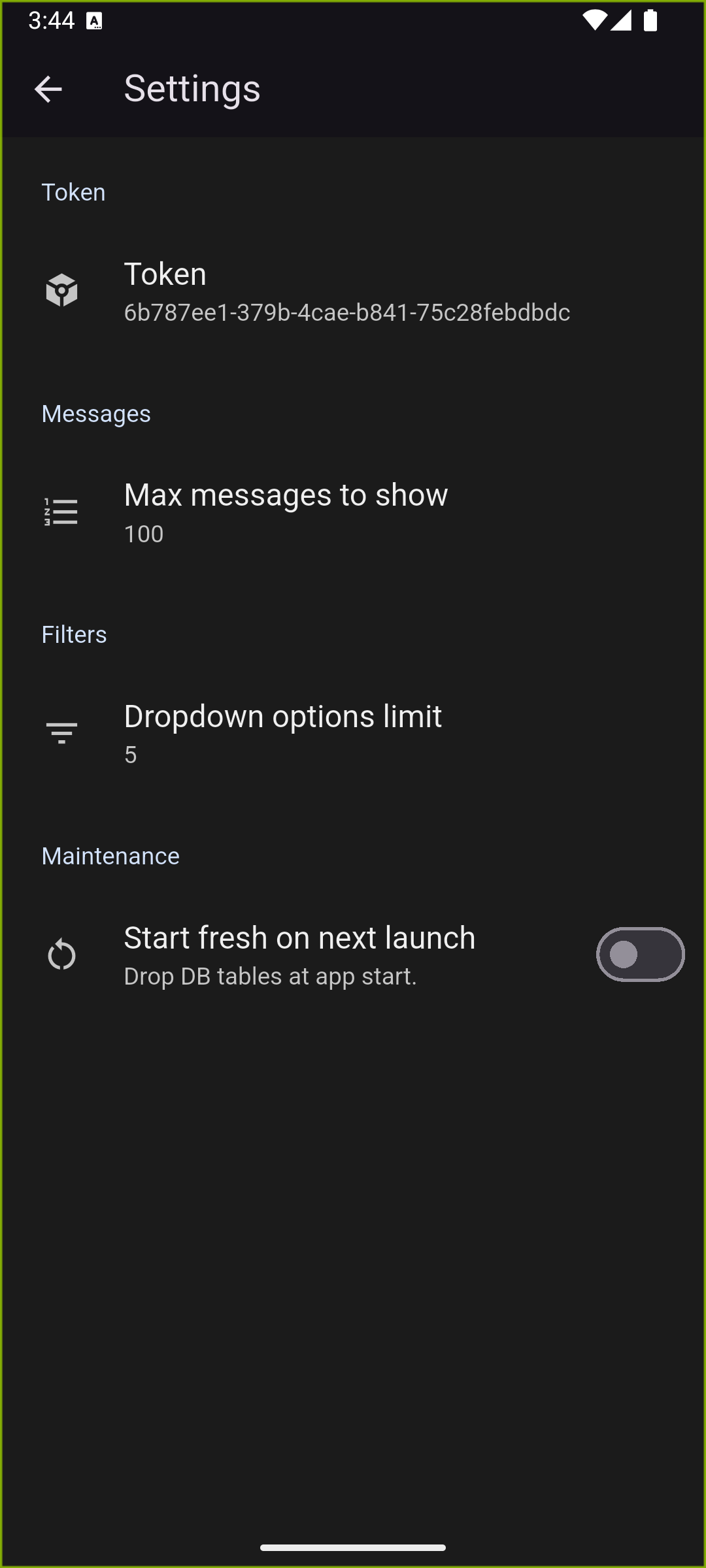
The share menu appears in the bottom-right corner, making it easy to distribute the token when you need to plug it into your own scripts or automations.

Step 3. Load the guides and test your token
Open https://ntfyme.net/index.html#examples on a PC so you can work with the examples, then enter the token into any example to generate working code.
Each language-specific guide swaps in your token automatically so you can copy, paste, and run the sample without extra edits.